


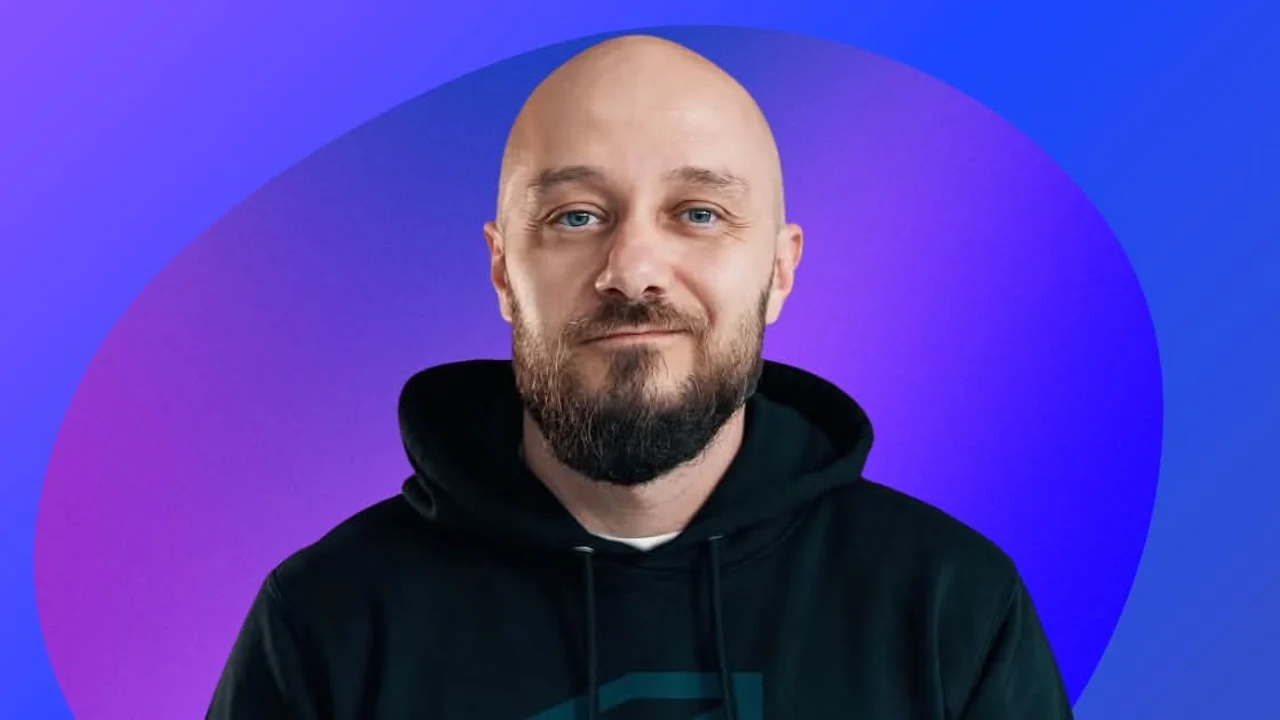


Who is This is E?
- Started posting YouTube videos about productivity tools and workflows in early 2020. Lockdown timing helped, but honestly most people who started pandemic channels quit by month three. E kept posting.
- By 2022 the channel hit 200k subscribers. Late 2024? Over 500k and growing, pulling millions of views monthly covering everything from Notion setups to desk tour walkthroughs. The productivity tech niche is crowded, but his stuff consistently ranks high.
- What works is the mix. Not just tool reviews. Actual workflows showing how apps connect into systems. Behind-the-scenes looks at his creator business. The audience sticks around because they're watching someone figure it out in public, not a polished guru selling courses.
- Full-time creator since mid-2022. Revenue comes from YouTube AdSense, sponsorships, and affiliate deals with the tools he covers. Which means the This is E tools below need to actually work, because his business depends on shipping content weekly.
Planning & Organizing Content
- TickTick runs the content calendar. Video ideas, filming days, editing deadlines, publishing schedules. All tracked with due dates and priority flags. The calendar view shows the whole month at a glance, preventing last-minute scrambles.
- Built-in pomodoro timer is stupidly useful for editing sessions. Set 45-minute focus blocks, knock out rough cuts without getting distracted by email or comments. The timer forces breaks that prevent burnout during 8-hour editing days.
- Habit tracking keeps recurring tasks from slipping. Daily thumbnail review, analytics check, comment moderation. Stuff that's easy to skip when you're deep in production but matters for channel growth.
- Notion holds the master video database. Each video gets an entry linking script drafts, B-roll shot lists, sponsor requirements, thumbnail versions, and post-publish metrics. Everything in one place instead of scattered across Google Docs and folders.
- Sponsorship tracking happens in a separate Notion database. Deal terms, deliverable requirements, payment schedules, all linked to specific videos. When a brand reaches out for another integration, pulling up past performance takes seconds instead of digging through old emails.

Thumbnails & Visual Assets
- Lightroom handles all thumbnail photo editing. Shoots 10-15 thumbnail options per video, batch edits them with consistent color grading using custom presets. The channel aesthetic stays cohesive across hundreds of videos without manually tweaking every image.
- Mobile sync is clutch when traveling for content. Shot B-roll in a coffee shop? Quick Lightroom edits on iPad before the flight home. Syncs to desktop automatically so files are ready when editing starts.
- TubeBuddy A/B tests thumbnails after publishing. Upload two versions, let YouTube show each to half the audience, see which pulls higher CTR. Data beats guessing what works, especially in a niche where everyone's fighting for the same eyeballs.
- Competitor tracking in TubeBuddy shows what's working for other productivity channels. Not for copying, but for spotting trends and gaps. When half the niche starts covering AI tools, that's either an opportunity or a sign to zig while everyone zags.

Working With Editor & Sponsors
- Frame.io replaced the nightmare of feedback over Slack and email. Editor uploads rough cuts, E leaves timestamped comments directly on the video timeline. Sponsor integrations get reviewed the same way, with clients commenting on specific moments that need tweaking.
- Version control happens automatically. Editor uploads v2, v3, v4 as revisions progress. No more "final_FINAL_actualfinal_v3.mp4" naming chaos. Just clean version history showing exactly what changed between iterations.
- Comment threads keep revision requests organized. Instead of "change that part at 3:47" scattered across 12 different Slack messages, everything's contextualized right on the video frame. Editor can resolve comments when addressed, keeping everyone on the same page.
- Tried managing feedback just through Google Drive comments in 2021. Total mess. Frame.io costs more but saves enough time weekly to justify itself. Better tools aren't always worth it, but this one definitely is.
Research & Continuous Learning
- Audible runs during workouts, commutes, and any downtime where reading physical books doesn't work. Productivity books, creator business strategies, marketing psychology. Most of it feeds back into video topics months later.
- Speed listening at 1.8x fits more learning into available time. Some people say faster playback hurts retention. E hasn't noticed. Takes notes in Notion during interesting sections, reviews them when planning content.
- TubeBuddy's keyword research shows search volume for potential topics. "Notion templates" gets 50k monthly searches. "Obsidian vs Logseq" gets 2k. Data doesn't make creative decisions, but it informs what has existing demand versus what's just personally interesting.
- Competitor tracking isn't about copying what works. It's about understanding the landscape. When five big channels cover the same tool launch, maybe skip it and find the underrated gem nobody's talking about yet.

Frequently Asked Questions About This is E's Stack
What tools does This is E use for YouTube?
TickTick manages the content calendar and filming schedule. Notion holds the master video database linking scripts to metrics. Lightroom edits thumbnails with consistent presets. Frame.io handles editor collaboration and sponsor feedback. TubeBuddy A/B tests thumbnails and tracks keywords. That's the core This is E tech stack for pumping out weekly content.
How does This is E organize video production?
Each video gets a Notion entry linking everything: script drafts, B-roll shot lists, sponsor requirements, thumbnail versions, performance metrics. TickTick tracks filming and editing deadlines with the pomodoro timer keeping focus during long editing sessions. Frame.io manages feedback loops with the editor. The whole system prevents stuff from falling through cracks when juggling multiple videos simultaneously.
What does This is E use for thumbnails?
Shoots 10-15 options per video, batch edits in Lightroom with custom presets for consistent channel aesthetic. TubeBuddy A/B tests the top two versions after publishing to see which pulls higher CTR. Data wins over gut feeling when your channel revenue depends on click-through rates.
Does This is E use any YouTube growth tools?
TubeBuddy handles keyword research, thumbnail A/B testing, and competitor tracking. Helps identify high-volume search terms and spot trends in the productivity niche. Not magic, but the data informs what topics have existing demand versus what's just personally interesting with zero search volume.
How does This is E manage sponsorships?
Separate Notion database tracks deals, deliverables, payment schedules, all linked to specific videos. When brands reach out for another integration, past performance pulls up instantly. Frame.io lets sponsors review and comment on integration clips before final edits. Keeps everyone aligned without email chaos.
What makes This is E's creator stack work?
Everything connects without requiring a team. Notion links content to sponsorships to metrics. TickTick feeds into Notion database entries. Frame.io keeps feedback organized. The stack scales with one person because automation and tight integrations eliminate coordination overhead. No room for tools that need constant babysitting.