
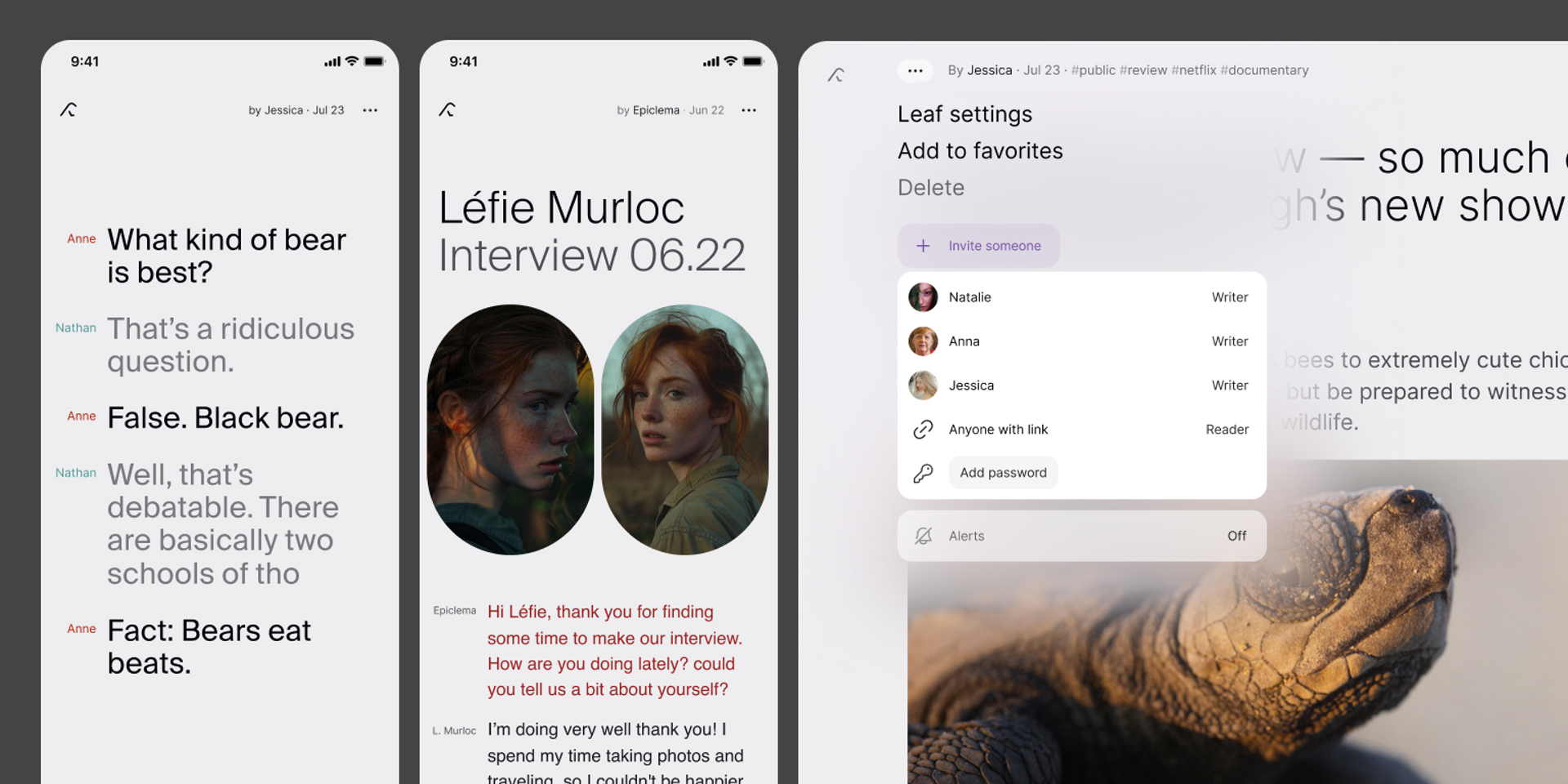
What does Kraa do?
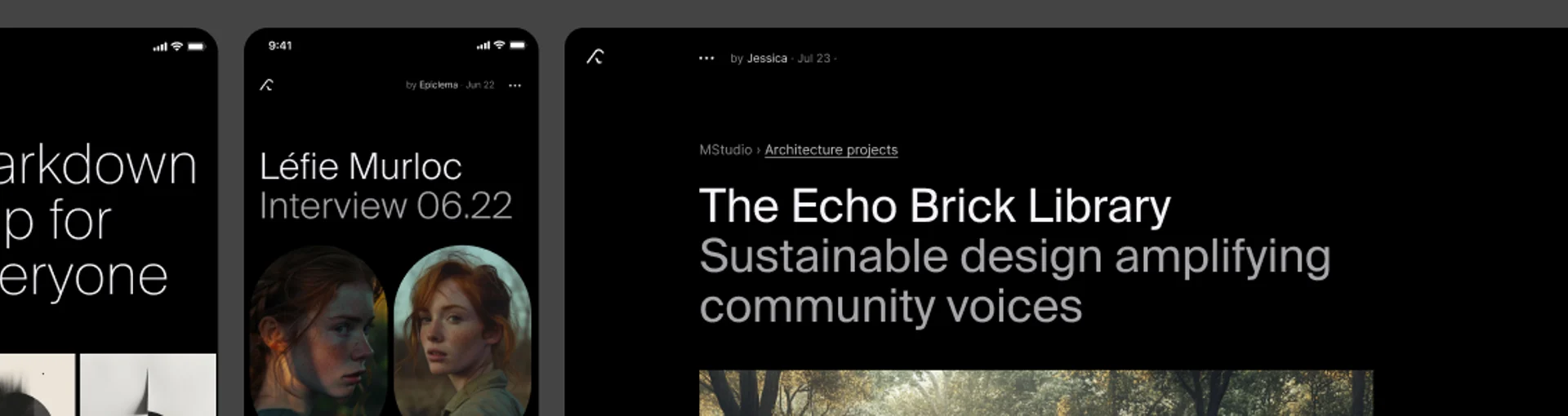
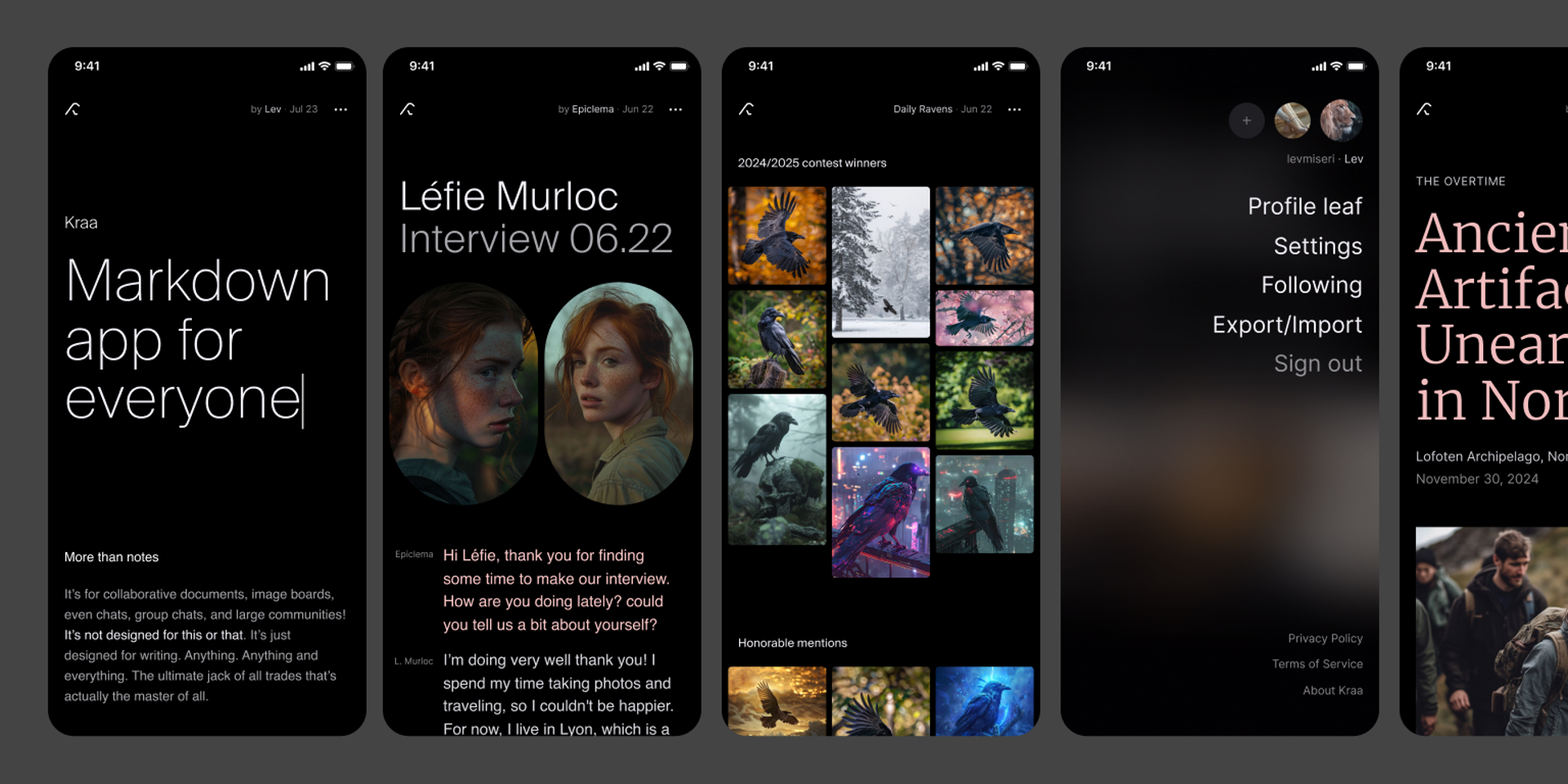
Kraa is for writing. Be it a personal note, a collaborative document, a blog post, or even a message in a chat. With a high focus on minimal UI with no distractions.
What is Kraa good for
Note taking
With a UI designed for a distraction-free experience, Kraa is perfect for simple note taking. And as a web-based app, your content is naturally always synced across all devices, everywhere. Offline support coming soon.
Kraa supports markdown. We prepared a brief guide for you.
Collaborative editing
Invite other users into your leaf, give them an Editor role, and collaborate together on a document. Real-time with smart conflict resolution.
Blog
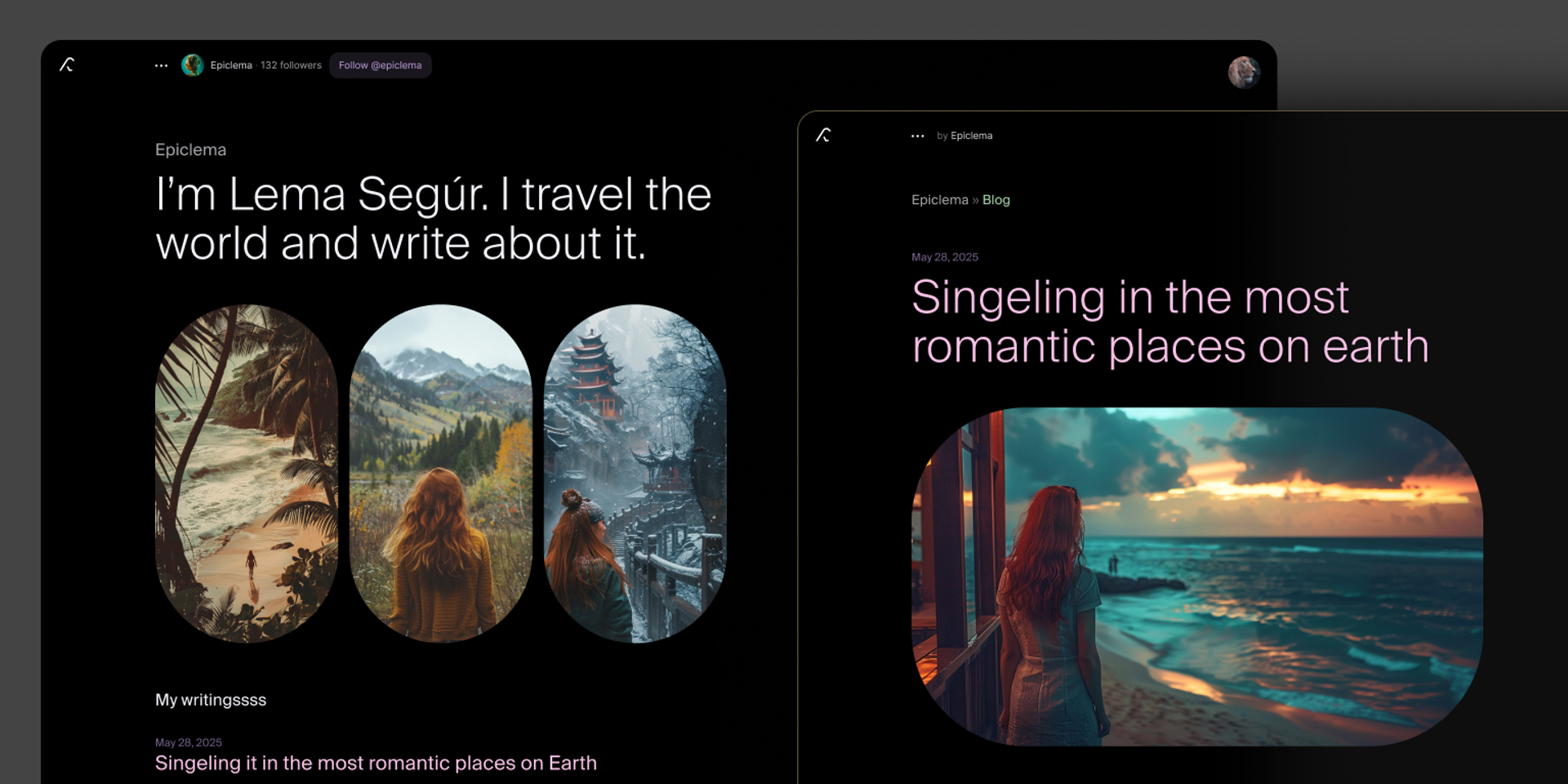
Your leaf can be published by simply ‘inviting everyone’ into it (click on ··· in the header -> Invite someone -> Everyone). By default the visitors will be Readers, but if you’d like to allow comments on your article, give them a Writer role instead.
Chat
A conversation inside a text-editor. Our writer role is tailored for chat-like experiences and adjusts the way our editor behaves.
Gallery
You can upload individual images as well as masonry-layout galleries. This feature is limited to users with a verified email account and a storage-limit quotas to protect against misuse.
Group chats / Community
Leaves can support large number of Writers, allowing for group chats or even communities about specific topics.